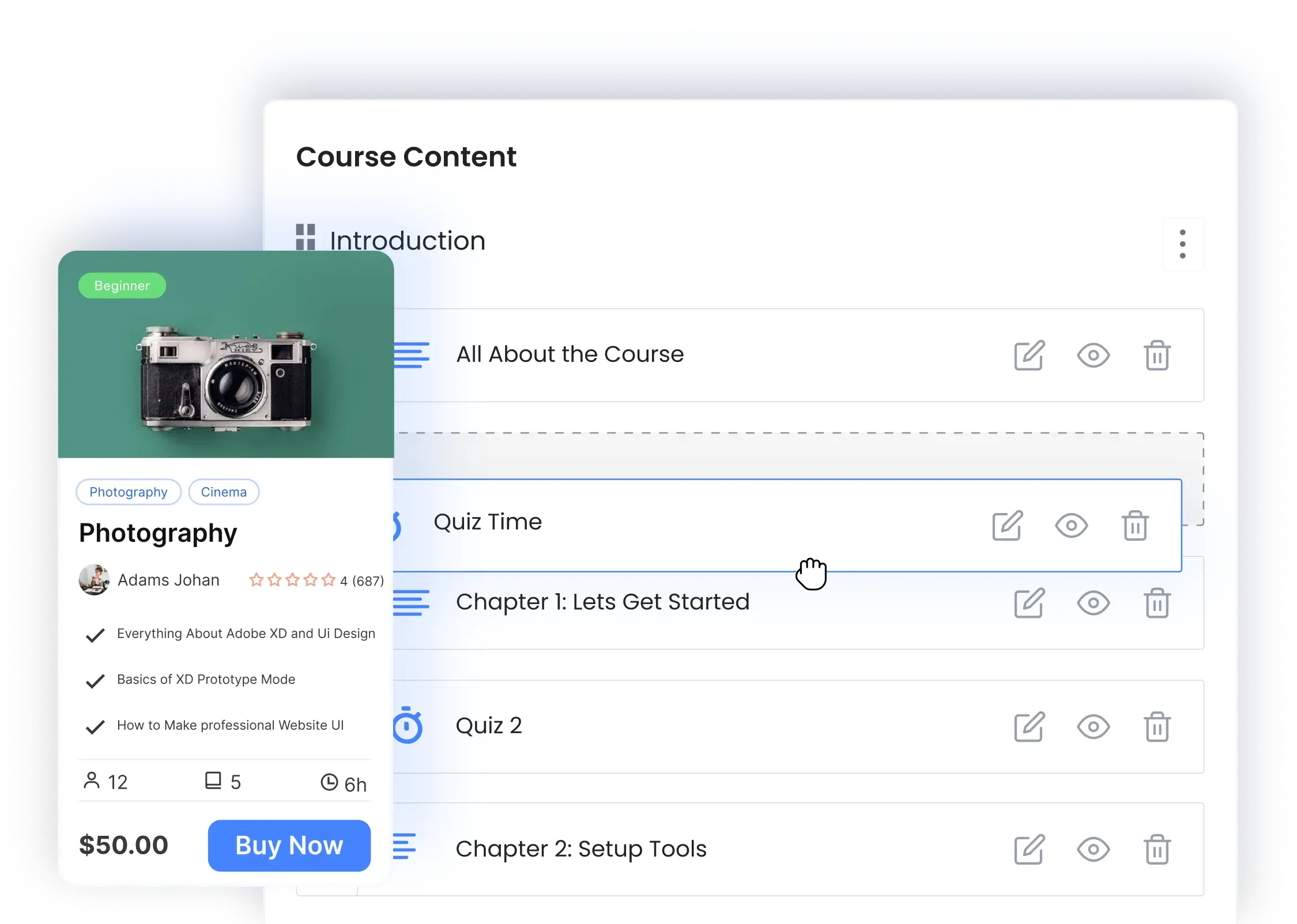
LMS Migration Tool
Switch to Masteriyo with our in-house migration solution.
Move from another LMS
Bring your courses over with the built-in importer

Built-in LMS Importer
Moving from one LMS to another has never been this easy. Just select the source LMS you want to switch from and leave the rest to us.

No Third-Party Plugin Required
You can initiate the migration with a push of a button. With our built-in tool, you don’t have to install any plugin or extension separately.

Compatibility Across Board
Say goodbye to compatibility issues. Our migration tool maps courses, lessons, quizzes and orders into Masteriyo’s own format.

No Added Cost
This is all completely free. After all, you’ve already suffered from using the wrong LMS platform; switching to a better LMS platform should not come at an added expense.
Make the Switch From
Migrate from LearnDash
Migrate from LearnPress

Migrate from Tutor LMS

Migrate from MasterStudy

Migrate from LifterLMS
We’ll be adding support for other LMS plugins in future updates.
What moves to
Masteriyo
Bring your courses, lessons, quizzes, students and orders
into Masteriyo.

Courses

Lessons

Quiz

Assignment

Sales Order

Instructor

Enrolled Students
Courses Enrolled
Courses Progress
We’ll Guide You Every Step of the Way
Step 1
Install Masteriyo LMS.

Step 2
Enable the Migration Tool from the Addon section.

Step 3
Choose the source LMS from Masteriyo>Tools>Migration and hit “Migrate.”

Step 4
Uninstall the source LMS and all associated plugins and extensions.
Frequently Asked Questions
Got questions about our LMS migration tool? Our FAQs can help.
Masteriyo’s migration tool is entirely free of cost.
No, you don’t need any third-party tools for migration – everything is already built into our LMS platform.
You can switch to Masteriyo from LearnDash, LearnPress, LifterLMS, Tutor LMS and MasterStudy.
It stays exactly as it was. Masteriyo copies your courses, students, and orders without changing or deleting anything, so you can compare both side by side before you switch. (Requires Masteriyo 3.5 or later.)
It’s Never Too Late to Switch to Masteriyo
Join our fast-growing community of educators, even if you are already tied to a platform